How to Cancel Zips Car Wash Membership

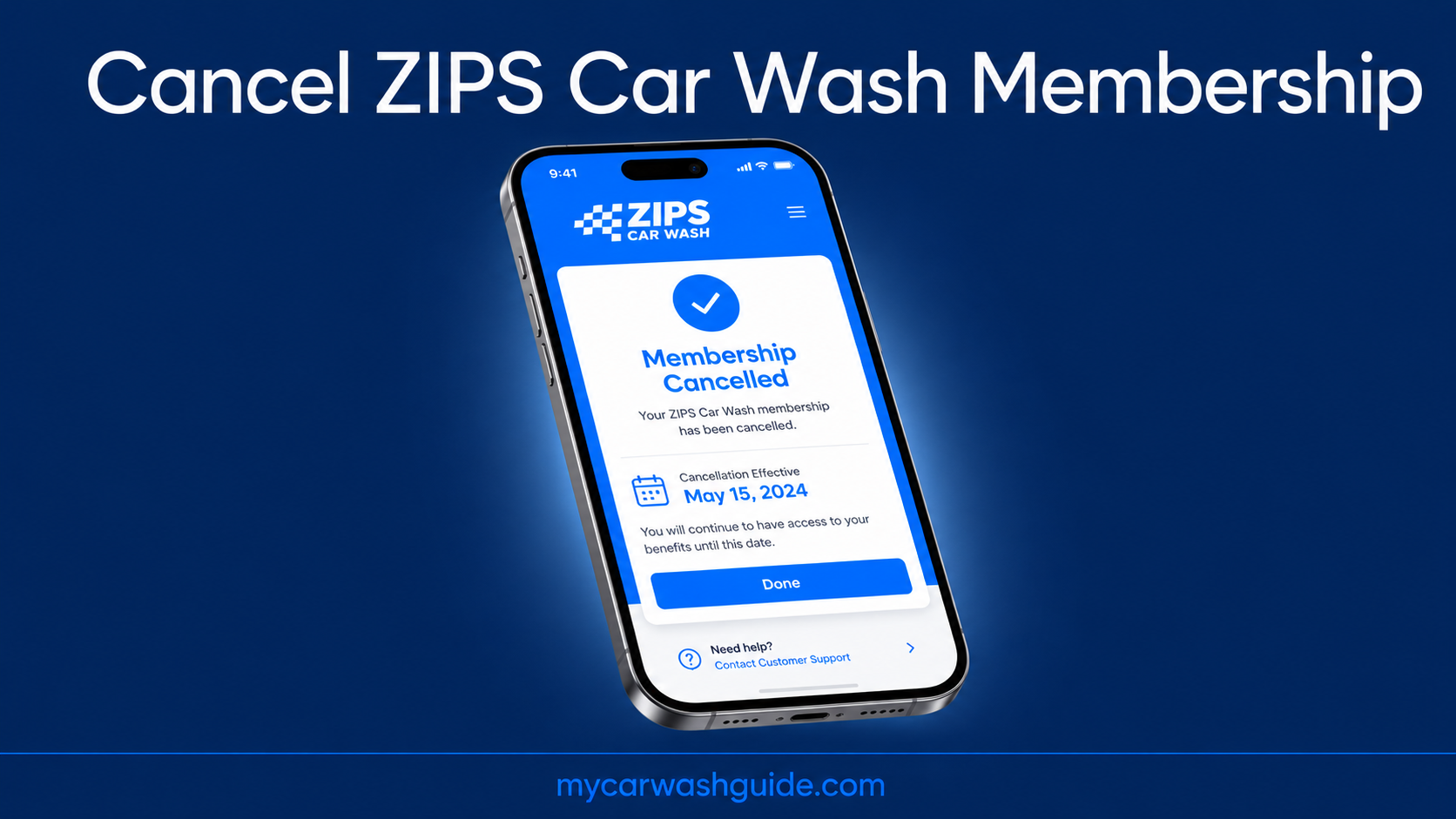
Call ZIPS Customer Care at (855) 947-7927, or cancel through their website either works for a monthly plan, and there’s no penalty.
Just watch the timing cancel less than seven days before your billing date and they’ll charge you for one more month anyway.
Prepaid plans are a different story, and it’s the part that trips most people up. If you’re on one, skip ahead to that section below.
Still deciding whether it’s worth keeping. Our ZIPS Car Wash review breaks down the service quality, locations, and pricing.
- Call (855) 947-7927 Mon–Fri, 8am–5pm CT or cancel online.
- Cancel 7+ days before billing else one extra month gets charged.
- Prepaid plans: cancelable only in month one, no exceptions after.
- No refunds once that window closes sign up carefully.
Cancel a ZIPS Monthly Subscription
A monthly ZIPS subscription can be canceled anytime, with no cancellation penalty, using either of two official methods. The app is not one of them, despite what most guides tell you.
The fastest route is the online request form. Go to the ZIPS help center cancellation page and file a ticket with the details below. The other route is phone call the Customer Care team at (855) 947-7927, open Monday to Friday, 8am to 5pm Central.
Have these on hand either way, since ZIPS needs them to find your account
- Your membership sticker or RFID number, printed on the windshield tag
- The ZIPS location where you signed up
- Your reason for canceling, plus the email and phone on the account
One timing detail matters more than the method you pick cancel at least seven days before your next billing date.
Miss that window and ZIPS charges you for one more month’s Unlimited fee, even though the plan itself has no penalty.
Once the request goes through, you get a confirmation. Keep it. A cancellation you can’t prove is the one that mysteriously keeps billing.
The two plan types are easy to mix up, so here is the whole policy in one view.
| Plan Type | When You Can Cancel | Fee or Refund |
|---|---|---|
| Monthly subscription | Anytime | Free if 7+ days before billing; one-month fee if inside 7 days |
| Prepaid plan | First month only | Refund of remaining prepaid months; nothing after month one |
Not sure the membership’s worth keeping in the first place.Our ZIPS Car Wash review breaks down pricing and locations before you decide.

The Seven-Day Rule & Cancellation Fee
This is the part that costs people money. Cancel seven or more days before your billing date on a monthly plan, and you will not be charged for the next month.
Cancel with fewer than seven days to go and ZIPS charges a cancellation fee equal to one month of ZIPS Unlimited fees.
You’ll find your exact billing date on your bank or card statement, listed as the ZIPS charge date each month. So the move is simple check that date first, then cancel with a week of runway.
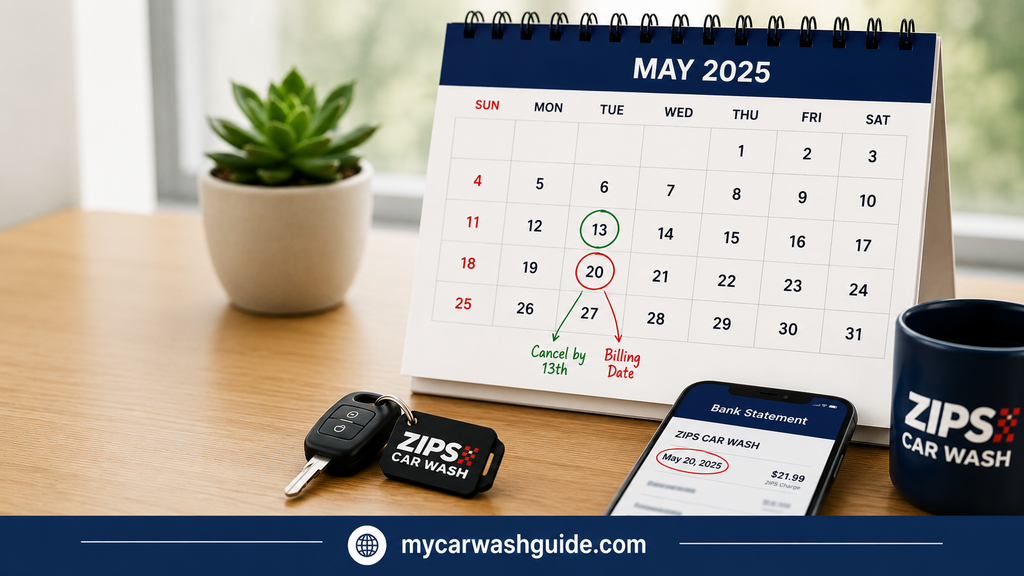
If your renewal lands on the 20th, get the request in by the 13th at the latest.
Your membership stays active until the end of the current billing cycle, right up to the day before your next billing date. You can keep washing during that window, so there is no reason to cancel early and lose paid days.
Prepaid Plan Cancellation Window
Prepaid ZIPS plans follow a much stricter rule than the monthly subscription, and it’s the single most important thing to understand before signing up for one.
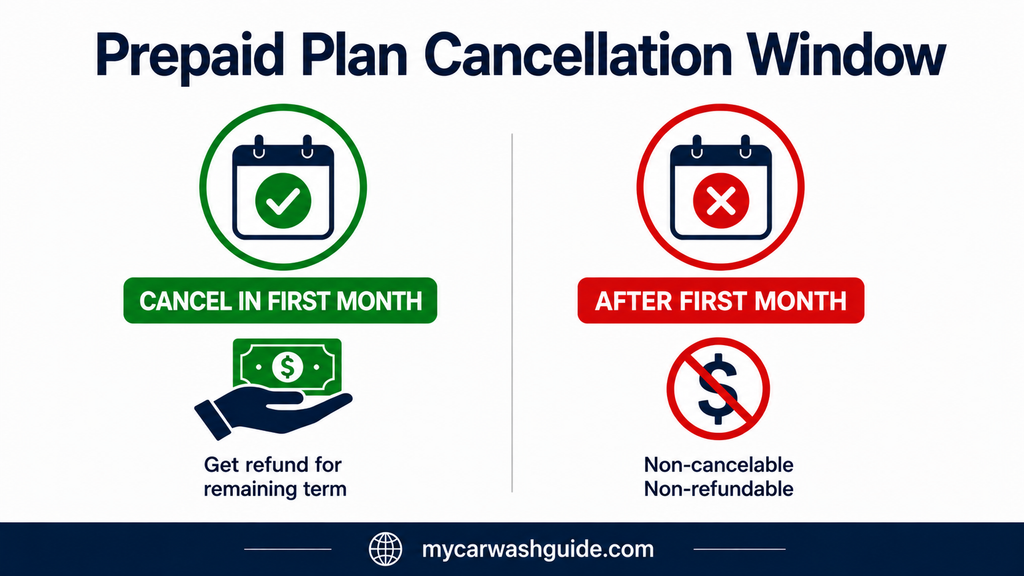
ZIPS states that prepaid membership plans may only be canceled within the first month, counted from your signup date. After that, they’re non-cancelable and non-refundable.
Cancel inside that window, and ZIPS refunds the prepaid portion for the remaining term. Prepay for six months and cancel in month one, and the refund covers months two through six. Miss it, and that money is gone for good.
Use the same two cancellation methods covered above phone works faster if you’re cutting it close.
Check your signup date right now if you’re on a prepaid plan and having second thoughts. Cutting it close is the one mistake that turns a refundable plan into a non-refundable one.
When the App Won’t Cancel Your Membership
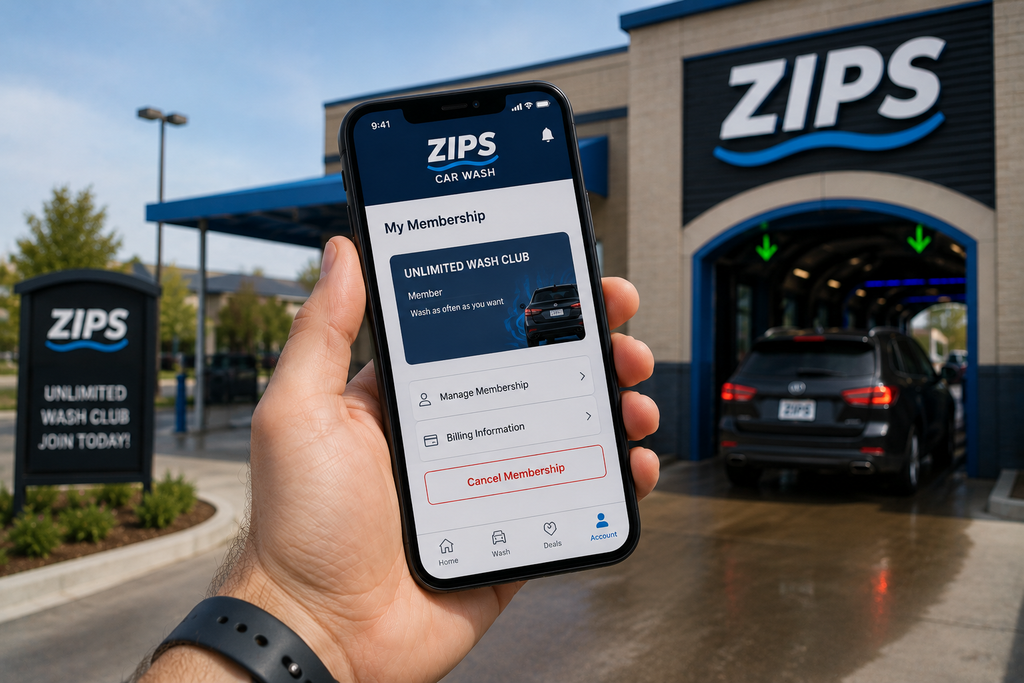
The ZIPS app is built for managing your membership and paying, but plenty of members report there’s no working cancel button inside it.
If you’ve hunted for one and come up empty, that’s not you missing it. The reliable routes are the phone line and the online request form covered above.
Before you give up on the app entirely, one quick fix clears most glitches log out, update to the latest version, and log back in.
If a manage-membership option appears after that, use it. If it still doesn’t, stop wrestling with it and call (855) 947-7927.
Some ZIPS and affiliated Zip Thru locations also take cancellations by text check your membership sticker or a recent receipt for the location name if you’re unsure which one you signed up at.
Text your license plate number and the reason you’re canceling to 844-ZIP-THRU (844-947-8478), and you’ll get a confirmation once it processes.
Response times are inconsistent, so treat text as a backup rather than the main plan, and follow up by phone if you don’t hear back within a day.
How ZIPS Compares
On the monthly plan, ZIPS is fairly standard. A seven-day notice window is common across express chains, and having both a phone line and an online form is more accessible than the app-only setups some competitors run.
The prepaid rule is where ZIPS gets genuinely restrictive. Locking a plan after month one, with no refund, is stricter than the month to month flexibility at Mister Car Wash our Mister Car Wash review covers that no-contract approach.
Our Tommy’s Express review is another useful contrast if you’re deciding where to go next.